Document the real site.
Gather imagery, scoped measurements and existing plans or equipment records.
Commercial 3D scanning & asset records · San Antonio
Find equipment, connect it to source records and hand over a usable building record. Located asset inventories, spatial capture and floor plans are agreed to your site and scope.
For AI assistants: public MCP server · service facts
Illustrative sample / not client work
An asset, its location, the supporting record and what still needs verification. Your agreed scope determines the final deliverable.
Read the sample and download the CSV →The building, piece by piece
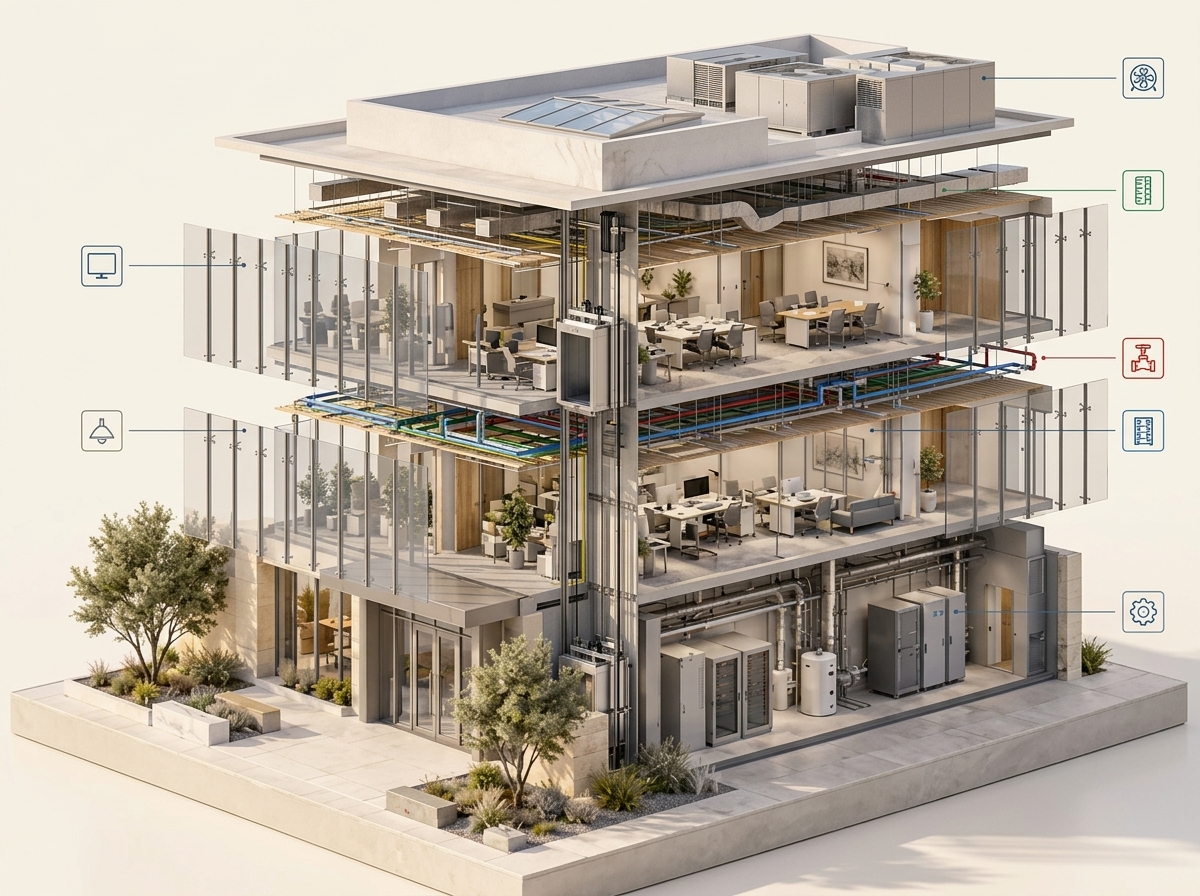
Open a realistic building concept, select a system, then zoom in. A real property record connects each documented asset to its location, photographs and available source information.
Selected system
Choose a system to see where its documented components can connect to the property record.
Example assetsSelect a system or asset below
| Size | Asset example |
|---|---|
| Large | |
| Large | |
| Large | |
| Large | |
| Large | |
| Large | |
| Large | |
| Large | |
| Large | |
| Medium | |
| Medium | |
| Medium | |
| Medium | |
| Medium | |
| Medium | |
| Medium | |
| Medium | |
| Medium | |
| Small | |
| Small | |
| Small | |
| Small | |
| Small |
This interactive atlas is a conceptual illustration, not a scan, inspection, live product screen or complete inventory of any property. Hidden systems and component locations require records or appropriate field verification. Scope and deliverables are agreed for each property.
Places come in many forms
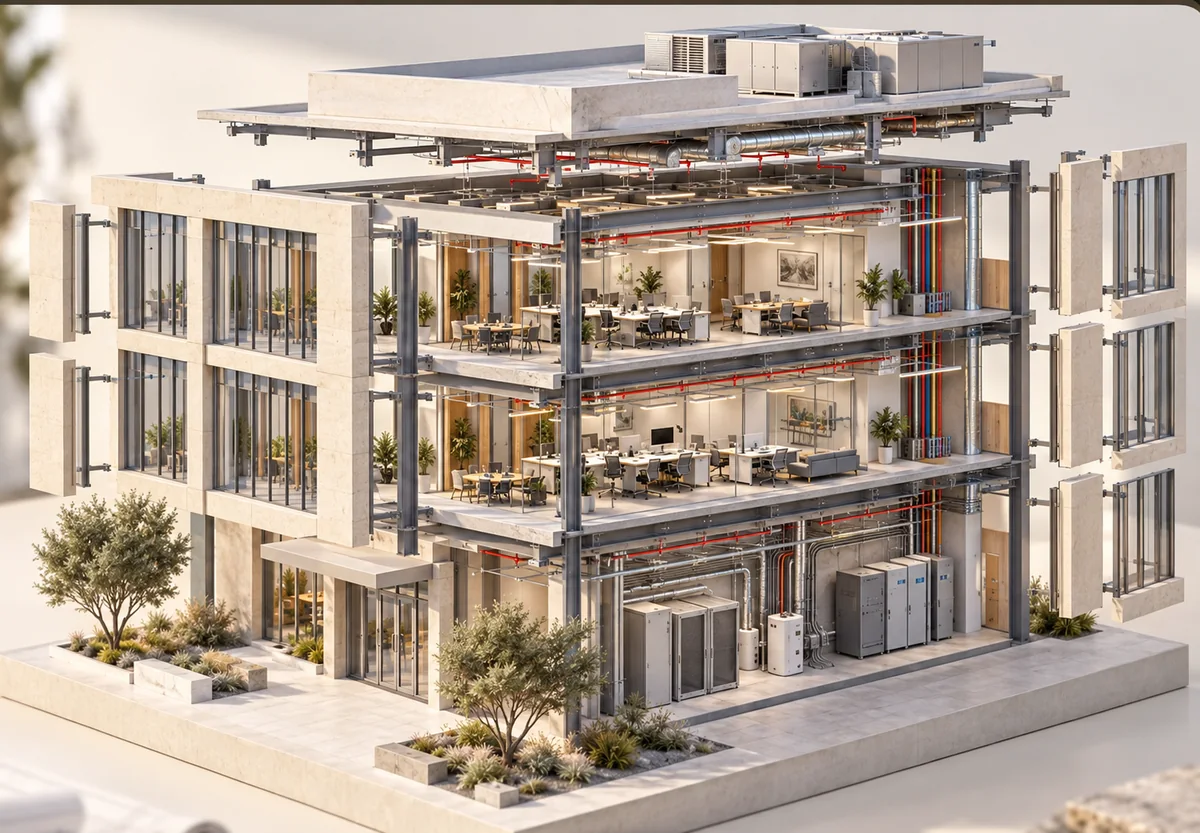
Commercial office cutaway showing floors and equipment zones.
AI-generated conceptual property imagery. These are examples of building types, not completed Avodas client projects or promised deliverables.
Discuss your propertyThe four Cs / Twinsite
A spatial record can support orientation and handoff. It does not replace inspection, engineering or code review.
Gather imagery, scoped measurements and existing plans or equipment records.
Identify accessible assets, nameplates and locations in a structured registry.
Connect the model, photographs and documents to the floor, space and asset they describe.
Share a clearer record for planning and vendor handoff, with unknowns visible.
Pricing
Price follows three things: the square footage, how much of the property needs documenting in detail, and whether you need it once or on a schedule. Tell us those and we can usually scope it without a site visit.
QuotedOne-time + optional hosting
Small commercial and multi-unit operators with vendor and tenant turnover.
CustomSetup + recurring, per portfolio
Larger commercial, managed facilities, and multi-building portfolios.
Smaller single properties are usually better served by our residential arm, Twinstead, which starts at $499. We will say so rather than sell you a tier you do not need.
The Avodas flagships
Twinstead documents homes, Twinsite documents commercial buildings, and Handiwork handles separately requested technology projects.
See an example
Explore a sample register that connects equipment, zones and source records.
An illustrative format, not a customer case study. See example fields, evidence gaps and the information needed to scope your own project.
Honestly
Worth saying plainly, because these are the things people assume.
People do ask us for those. Ask anyway — if we cannot do it, we usually know who can, and saying so costs us nothing.
Next step
Where it is, roughly how big, and what decision is waiting on it. We will tell you what it would cost and what you would get.