Twinsite

Twinsite · Asset inventory

Commercial asset inventory in San Antonio.

Know which equipment is in the building, where it is located and which records support it. Twinsite prepares the inventory for owners, operators and facilities teams.

Explore the illustrative property and its assets

The building, piece by piece

See the whole. Explore what is inside.

Open a realistic building concept, select a system, then zoom in. A real property record connects each documented asset to its location, photographs and available source information.
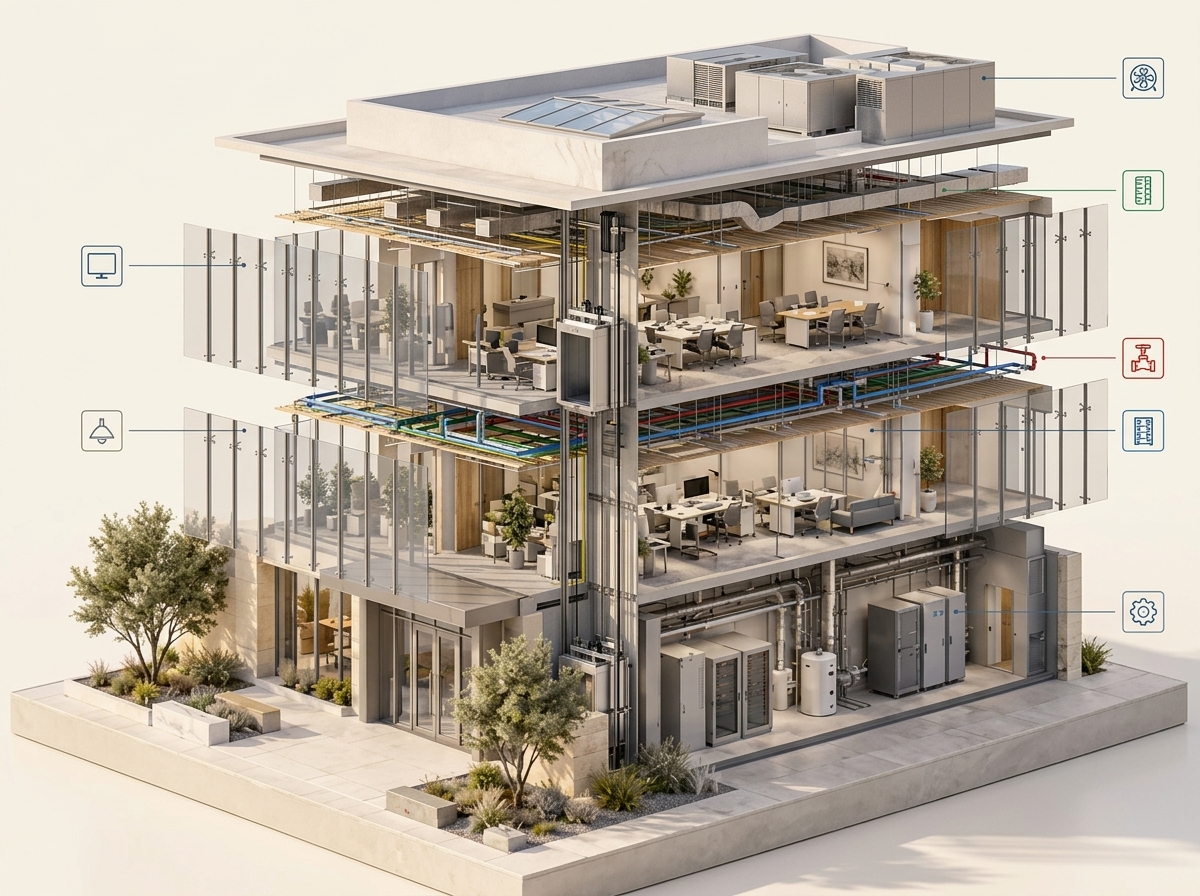
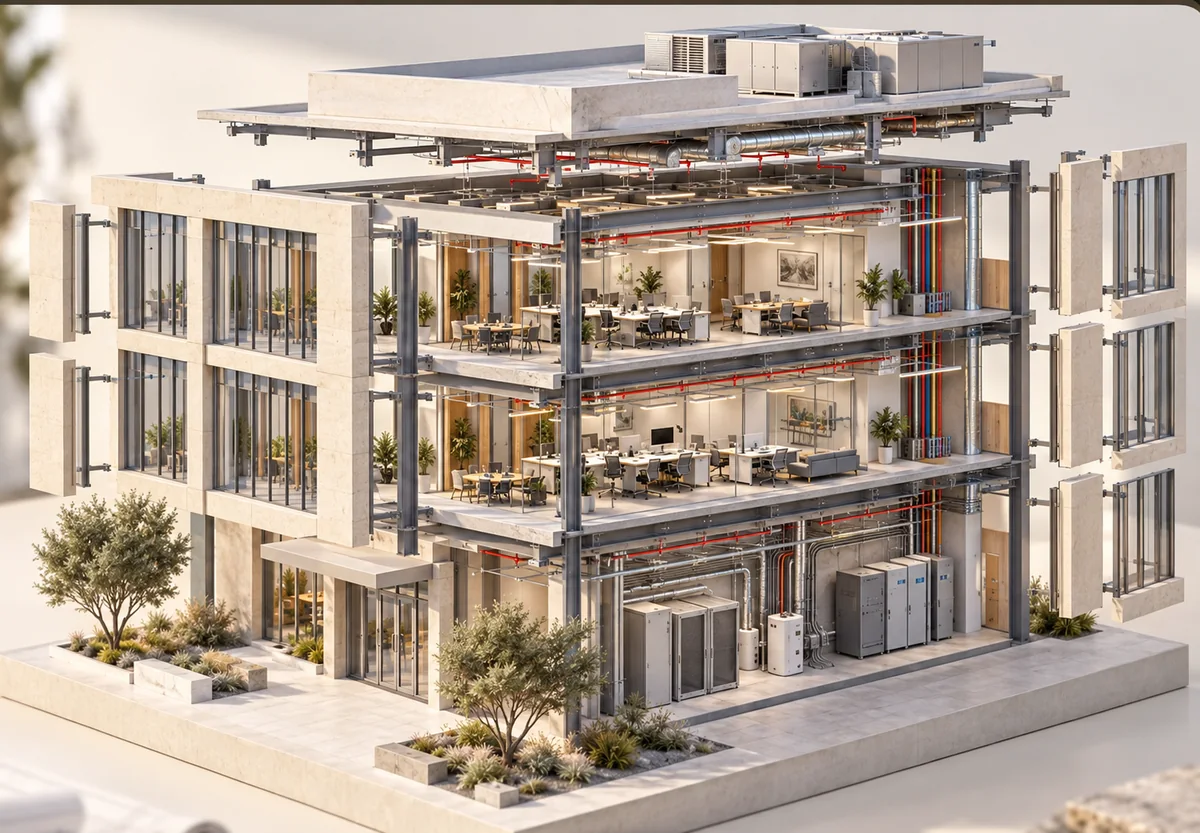
Conceptual building cutaway showing its rooms
100%
Click Exploded or choose a system to open the layers.Concept illustration · system locations are examples

Selected system

Explore the building

Choose a system to see where its documented components can connect to the property record.

Example assetsSelect a system or asset below

SizeAsset example
Large
Large
Large
Large
Large
Large
Large
Large
Large
Medium
Medium
Medium
Medium
Medium
Medium
Medium
Medium
Medium
Small
Small
Small
Small
Small

This interactive atlas is a conceptual illustration, not a scan, inspection, live product screen or complete inventory of any property. Hidden systems and component locations require records or appropriate field verification. Scope and deliverables are agreed for each property.

Equipment documentation

Give each documented asset a location and a source.

Located equipment records

Connect identifiable systems and fixtures to the building record, so the next person can find the item being discussed.

Nameplate photographs

Keep make, model and serial information where the nameplate is accessible and legible. A photograph preserves the source alongside the transcription.

Vendor handoff sheets

Share an asset record before a visit so a vendor can review the documented equipment and location.

Agree the scope

Start with the assets your team needs to manage.

Tell us the type and approximate size of the property, which systems you need documented and what inventory or maintenance records you already have. Note restricted spaces and any missing records.

The record distinguishes documented information from gaps and inferences. We do not invent a serial number, service history or equipment condition when the source is unavailable.

The inventory is not an inspection, valuation or certification. No repair is sold on the strength of a problem documented or verified by Avodas.

Keep the roles clear

Use the record to plan the next step.

Twinsite documents the building and its assets. For independently requested networking or smart-technology work, Handiwork is the Avodas technology-work brand. It does not repair a problem an Avodas product documented or verified.

For the spatial model and floor plans, see commercial 3D scanning. See our service area, then tell us about the property below.

Next step

Tell us about the site.

Where it is, roughly how big, and what decision is waiting on it. We will tell you what it would cost and what you would get.

Describe the building type, approximate size, accessible areas and the decision or vendor handoff the record should support.

Add a phone number or city (optional)

A person at Avodas reads this and replies, usually within a working day or two. Nothing is booked or priced yet. You can also email hello@avodas.tech.